Plural Site notes

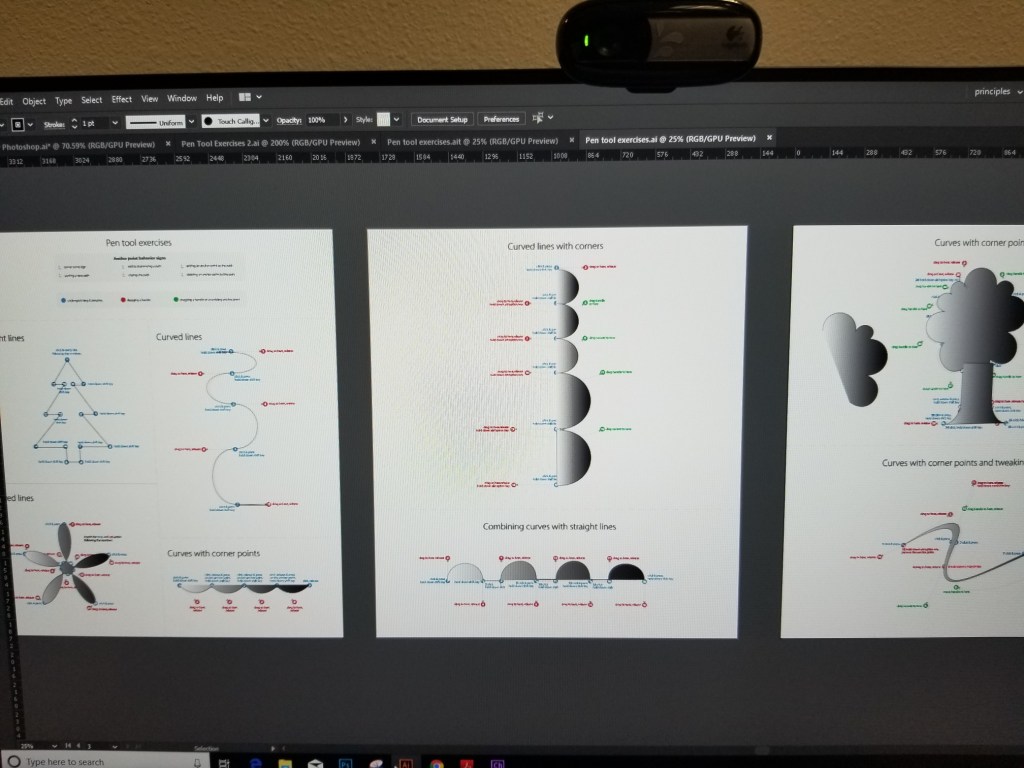
Introducing after effects:After effects are industry standard visually animation software.You use after effects to create motion graphs, visual effects, and 3D animations. You can Composite(Combine) layer, animate layer properties, create transparency apply and animate effects, create and animate text and shapes.

Step By step

Open after effects

-Start a new project and save it

Import and organize assets(footage)

Create one or more compositions

Add assets and layer to comp

-Assets:Videos, images, graphics, audio

-Layers: text, shapes, solids

Composite(Combine) layers in a comp

-Using existing transparency

Adjust and animate layer properties

-scale, position, rotation, opacity

Add effects and adjust/animate effect properties

Edit-Preference-General-Uncheck at start-up show home

Keyframes mark the beginning and the end of some kind of animation.(Beginning and end of focus distance, position, and etc)

10/19/20-10/23/20
Stop Motion Movie

This is the Pokemon stop motion I created which took me technically 2 days to finish. There was about 200 pictures taken to create the stop motion. To make the flying look believable it took about 150 pictures to make it and to keep it up without me holding it I had to use yarn string and tape it the a ledge. It was a very easy project except for doing it on Imovie which I had to transfer 400Mb of photos from my phone to my computer and then insert all the pictures into my drive after that save them to my files, after having to make all the photos separate from the Multi-shot clips.

Illustrator Ninjas

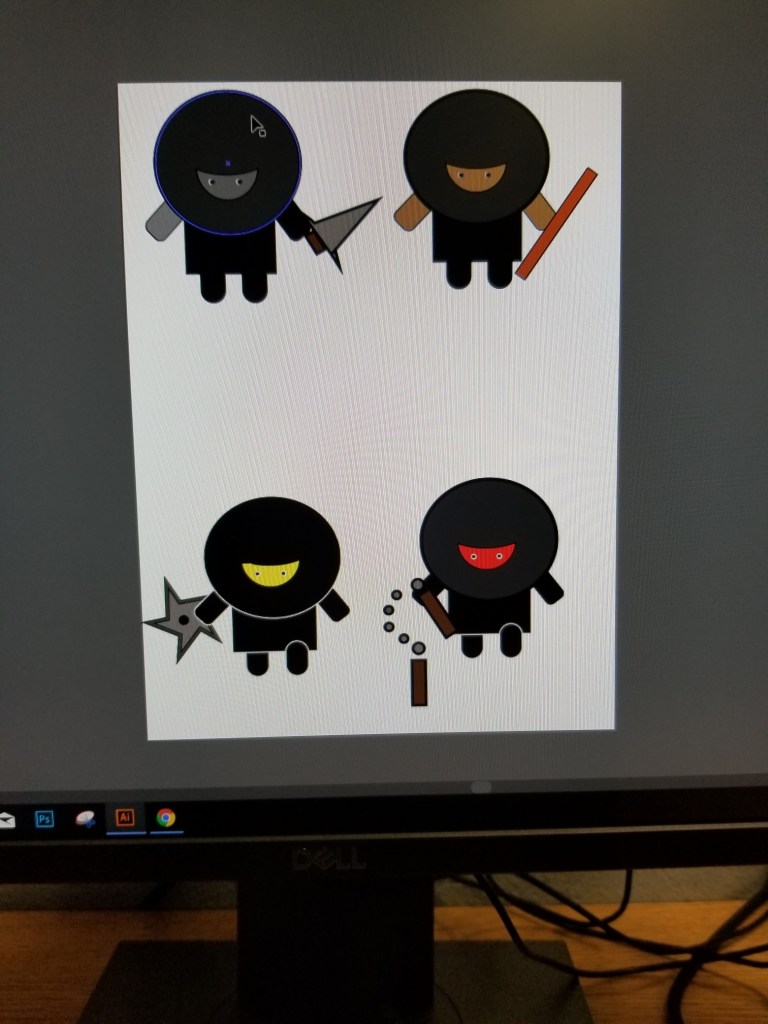
These are the ninjas that were made in Photoshop illustrator. They were very easy to make before I forgot how to color in the ninjas bu then I remembered and did that. They are all not human some are robots are noodle men that’s why they’re different colors. I’ve had the ninjas done for a while I just never turned it in because I completely forgot I had my own website. Ninjas were very easy similar to the hippo but the Hippo is hard . 10/3 might do again(If I was assigned to I would because grades)

Border Paths

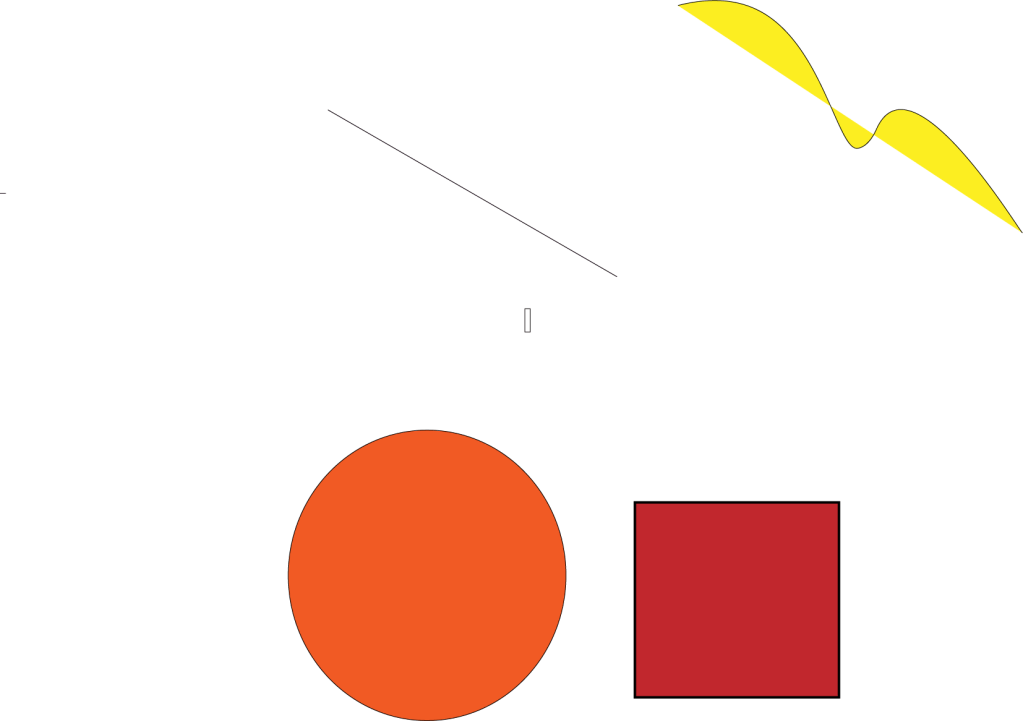
This is the border path assignment that was done in illustrator. It really wasn’t hard once you do it a couple of times. I struggled on the second part the day of the assignment because I wasn’t really trying to do it. So i Made a second copy and did it at home over the weekend(Which didn’t get done). I came back to school with post trauma and completed it like I knew what I was doing. Very easy wouldn’t do again .

3D Soda Can

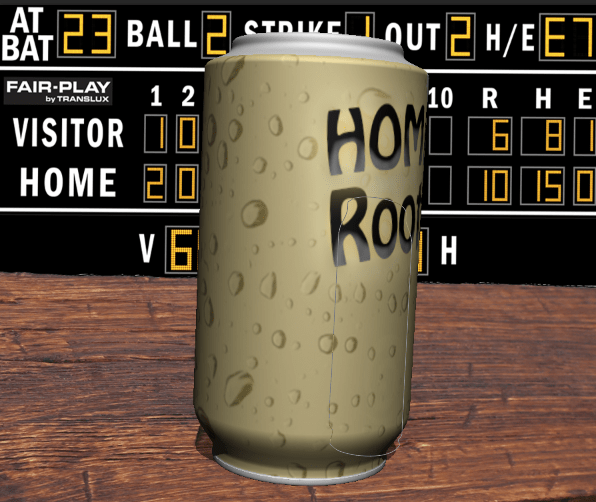
What is shown above was a 3D soda Can that was created.The process of making it was first having a raindrop layer for the actually can to show humidity and changing the colors of it to look more like a can.There’s the name of it which is root bear and the barcode (Which is not shown, for some reasons changing the texture in the actually Soda can wouldn’t change it).The background includes A wooden plank to look like a table and a score bored in the back to show its at like a bar watching a game. The soda can hurt my brain to change some of the layer as it kept making it 2D and having this extra skinny can that would not go away and didn’t show up on the layers.

Animated Clock

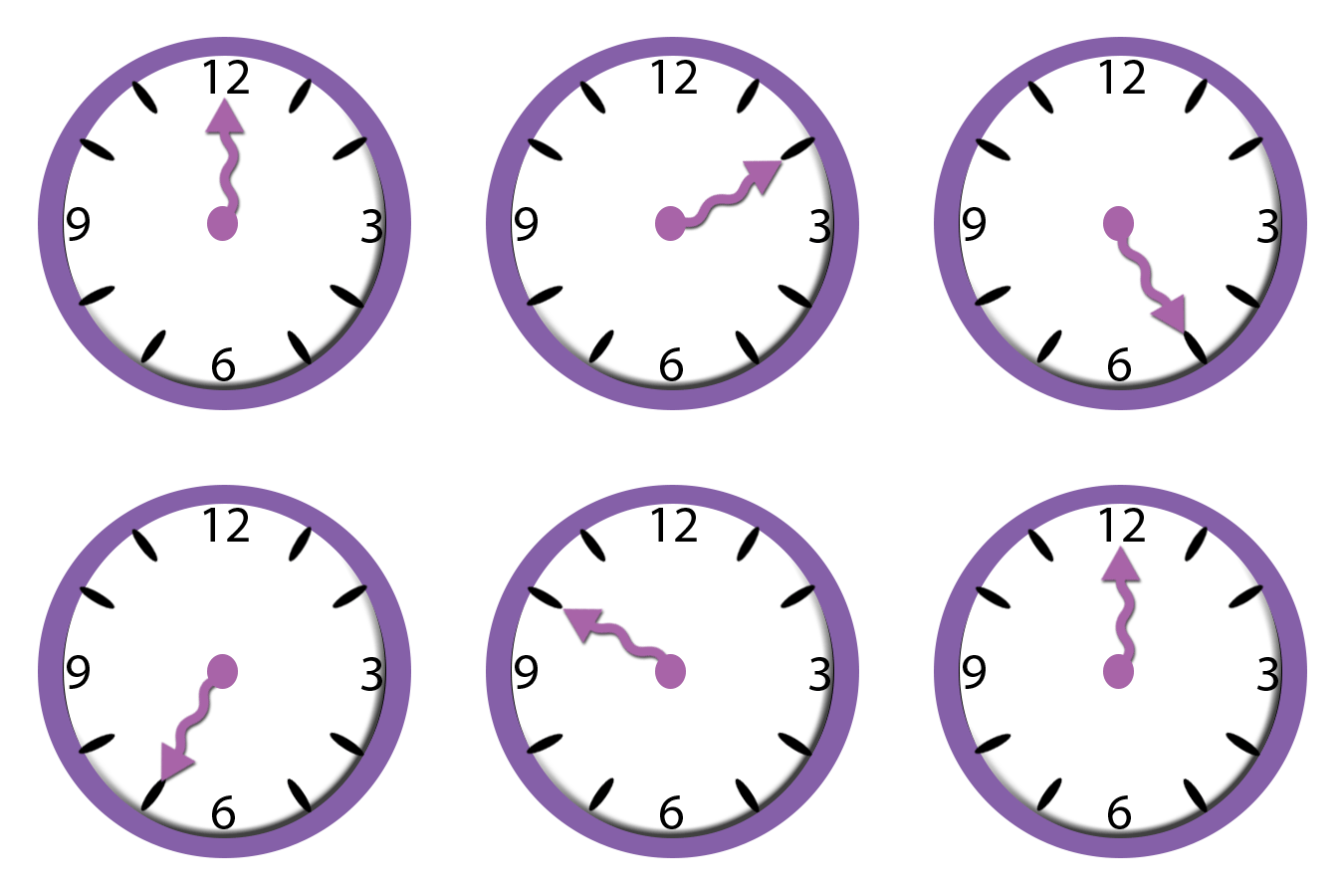
The Link/GIF/Image/whatever it is shown as is a Animated Clock that moves because its animated.It contains number 1-12 and is animated were the hands move to each number and resets.It was 13 frames long as i needed that hand to hit 1-12 and hit 1 again so it would always be moving.If I could of done it differently I would have changed the frame time to an 1 hour if I could so it be like any regular clock.3/-2 I actually liked animating it because its easy.

Design a site like this with WordPress.com
Get started